Suspend Student
This feature is for SA, ML, CA, Trainer
- Navigate to ACP Brainfit Studio
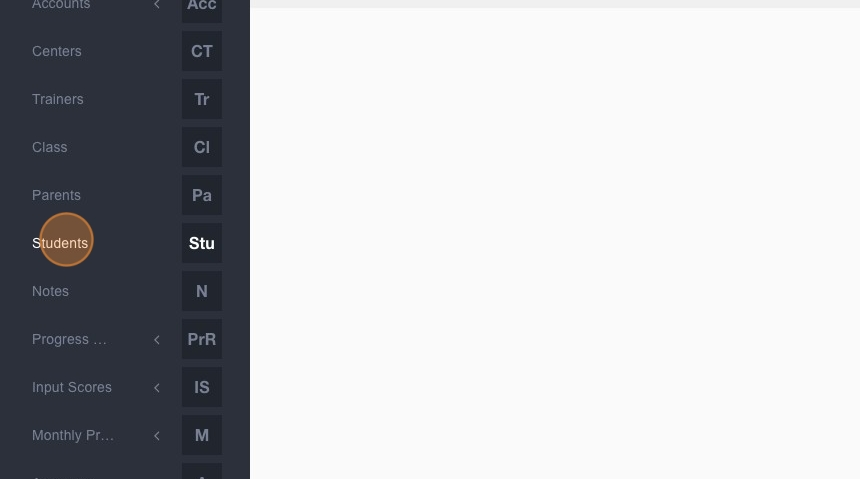
- Click "Students"
- Type the name of the student you want to suspend
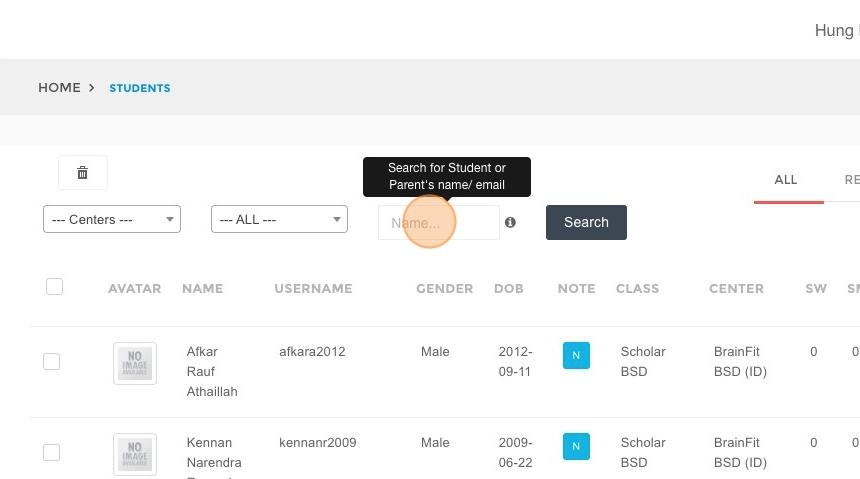
- Click "Search"
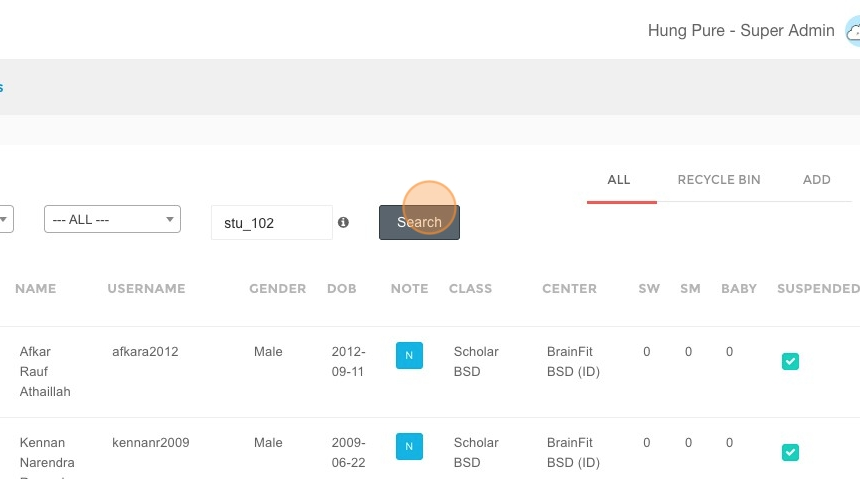
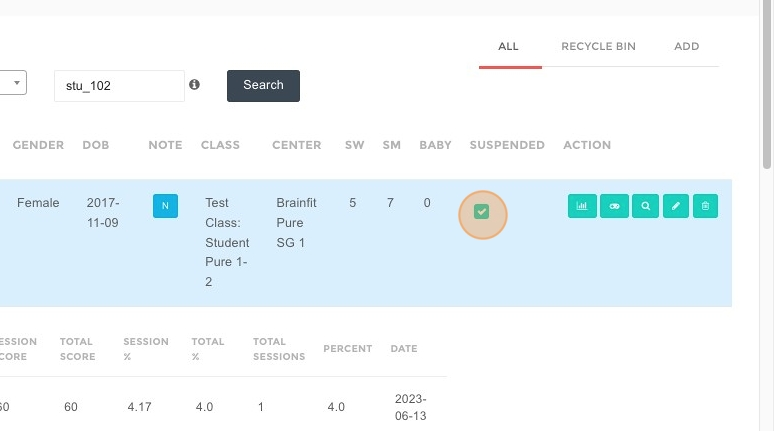
- Click here to suspend
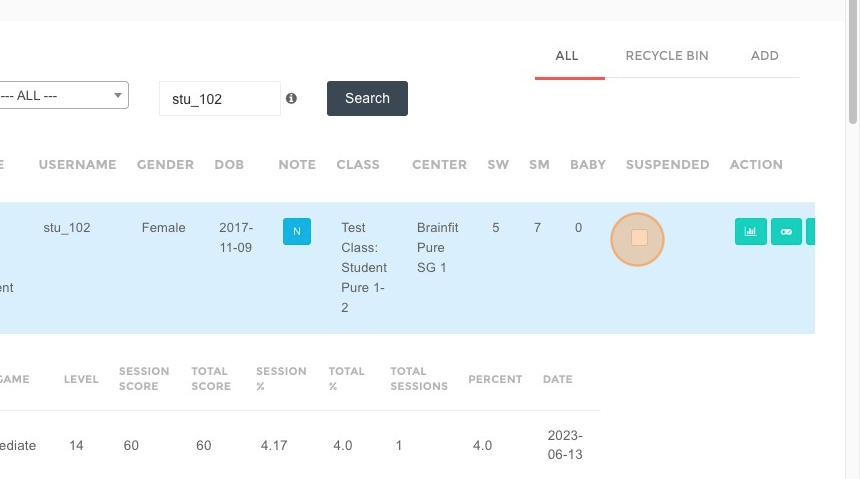
-
Click OK to confirm
-
Click here to watch change logs
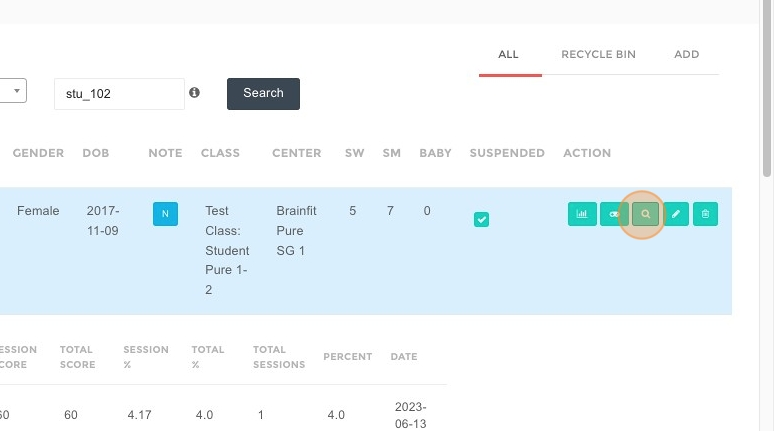
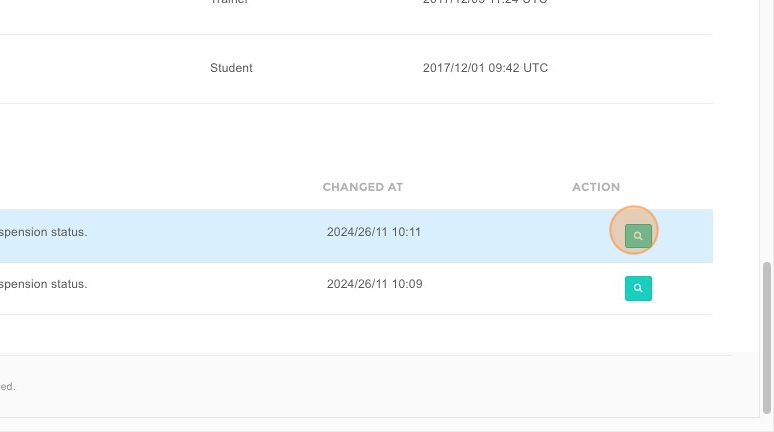
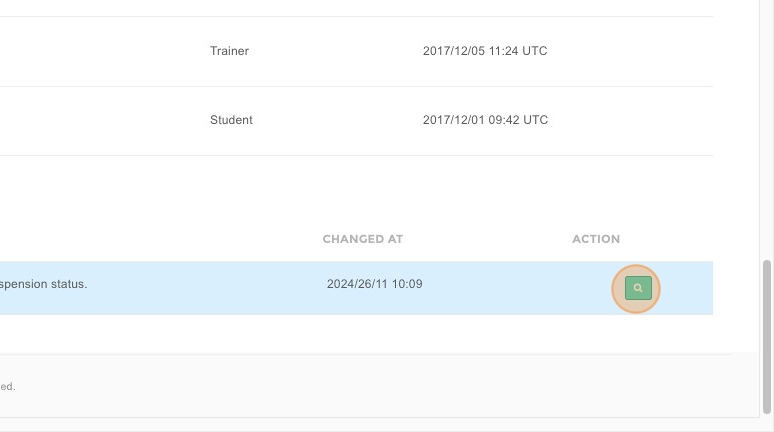
- Change logs will be listed here
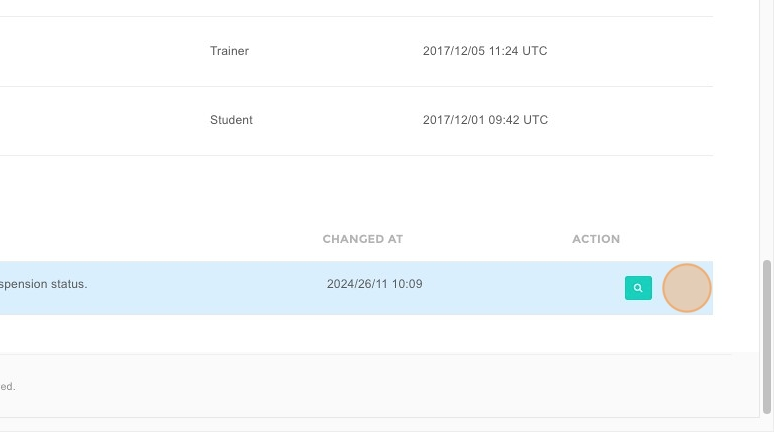
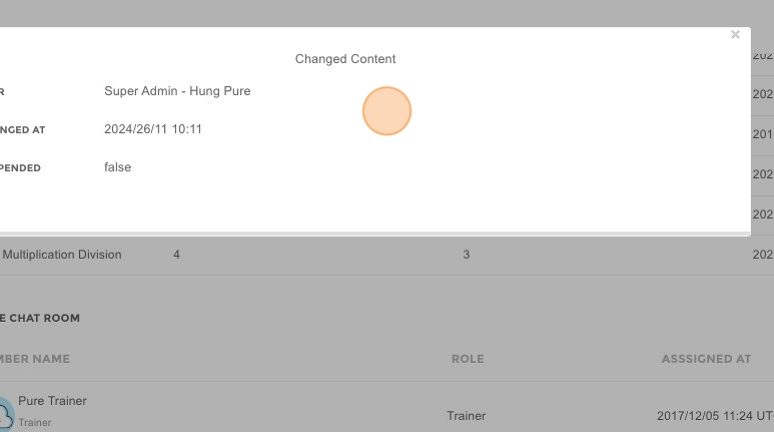
- Click this button to view details
- Click here to unsuspend
- Change logs will be saved